

Feature Availability: Navigation Function Protection is available for merchants using Unified Max Builder with Website Builder access.
MaxAI Builder helps merchants customize their website header and navigation while maintaining important storefront functions.
When updating your website navigation, MaxAI ensures that essential customer-facing features continue to work properly, including:
Shopping cart
Search
Customer profile
Store location
Currency selection
These functions are preserved while MaxAI updates your website design and layout.
Why is it important?
Your website navigation helps customers browse your store and access important shopping tools.
Navigation Function Protection helps ensure that:
Customers can continue using key storefront features
Website updates do not affect important navigation actions
Your store maintains a smooth shopping experience
Design changes remain compatible with your storefront functions
Requirements:
You must have access to Unified Max Builder.
Your website must have an editable header/navigation section.
You must be logged in to your Prosperna Admin Dashboard.
Your website must have supported navigation components available.
Summary:
Describe the navigation update you want.
MaxAI applies the design changes.
Supported navigation functions are checked and preserved.
Review the updated header in the preview.
Publish your changes when ready.
Steps to Update Website Navigation Using MaxAI Builder
1. Log in to your Prosperna Admin Dashboard.
2. Go to Website Builder.
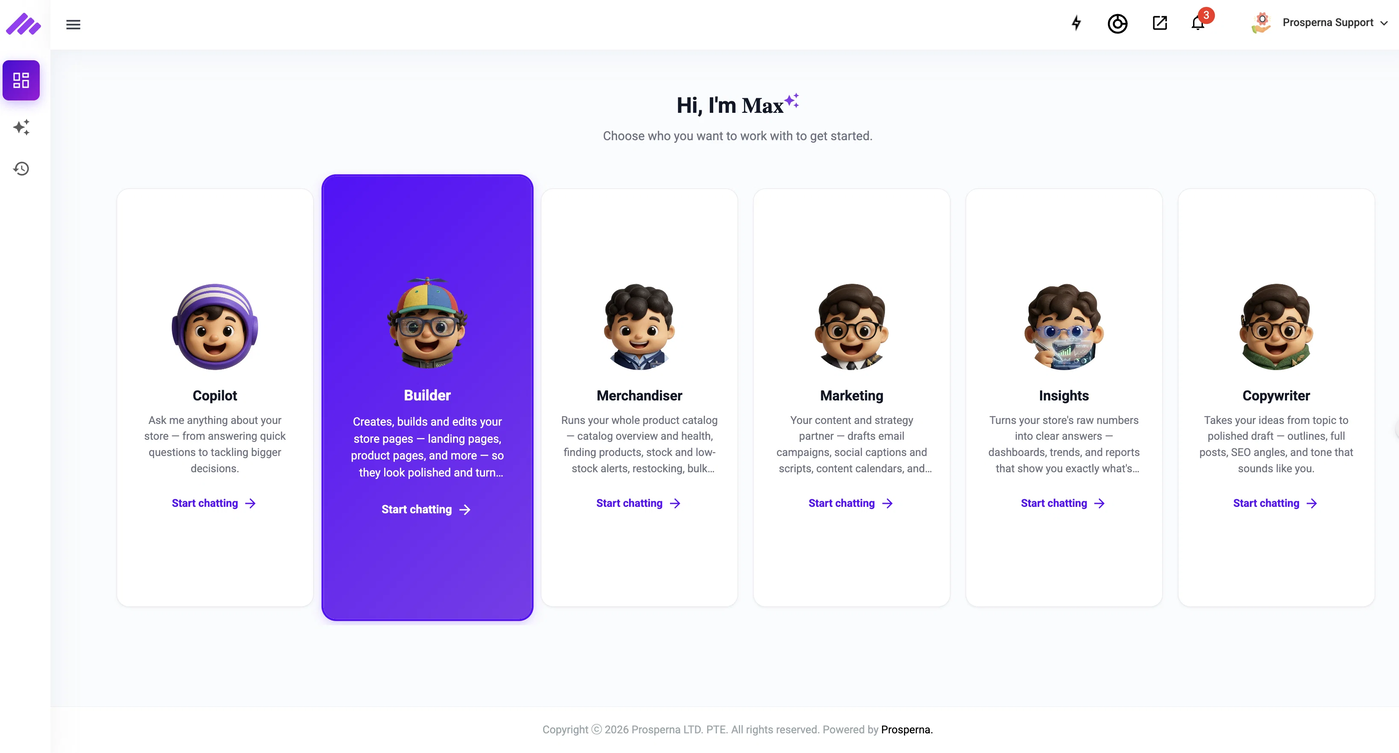
3. Open the MaxAI Builder chat interface.
4. Request your desired navigation changes.
Example requests:
"Add a search bar to my header."
"Add a shopping cart icon."
"Change the navigation layout."
"Make my header mobile-friendly."
"Adjust the logo position."
5. MaxAI Builder will update your navigation design while maintaining supported functions.
6. Review the updated header in the preview window.
7. Test the updated navigation layout.
8. Click Publish to apply your changes.
Supported Navigation Functions
MaxAI Builder supports the following website navigation features:
Shopping Cart
Allows customers to access their cart and view selected items.
Search
Allows customers to search for products or information in your store.
Customer Profile
Allows customers to access their account-related options.
Store Location
Allows customers to view available store location information.
Currency Selection
Allows customers to select supported currency options.
Result
Your website navigation will be updated while keeping important customer functions available.
Customers can continue browsing your store and using navigation features after your changes are published.
Need more help?
For more information and assistance, please send an email to support@prosperna.com.