

Feature Availability: MAX AI
The Scheduled Alerts feature lets you receive automated AI-powered business insights at your preferred schedule. Instead of manually checking your dashboard, Max AI sends notifications based on your selected insight categories and delivery frequency, helping you stay informed about important business updates.
Why is it important?
Scheduled Alerts help you proactively monitor your business by delivering timely insights directly to you. This enables you to identify trends, monitor store performance, and make informed decisions without having to access the dashboard regularly.
Requirements:
Active Prosperna account
Access to Max AI
AI Insights enabled
A valid email address for receiving notifications
Summary
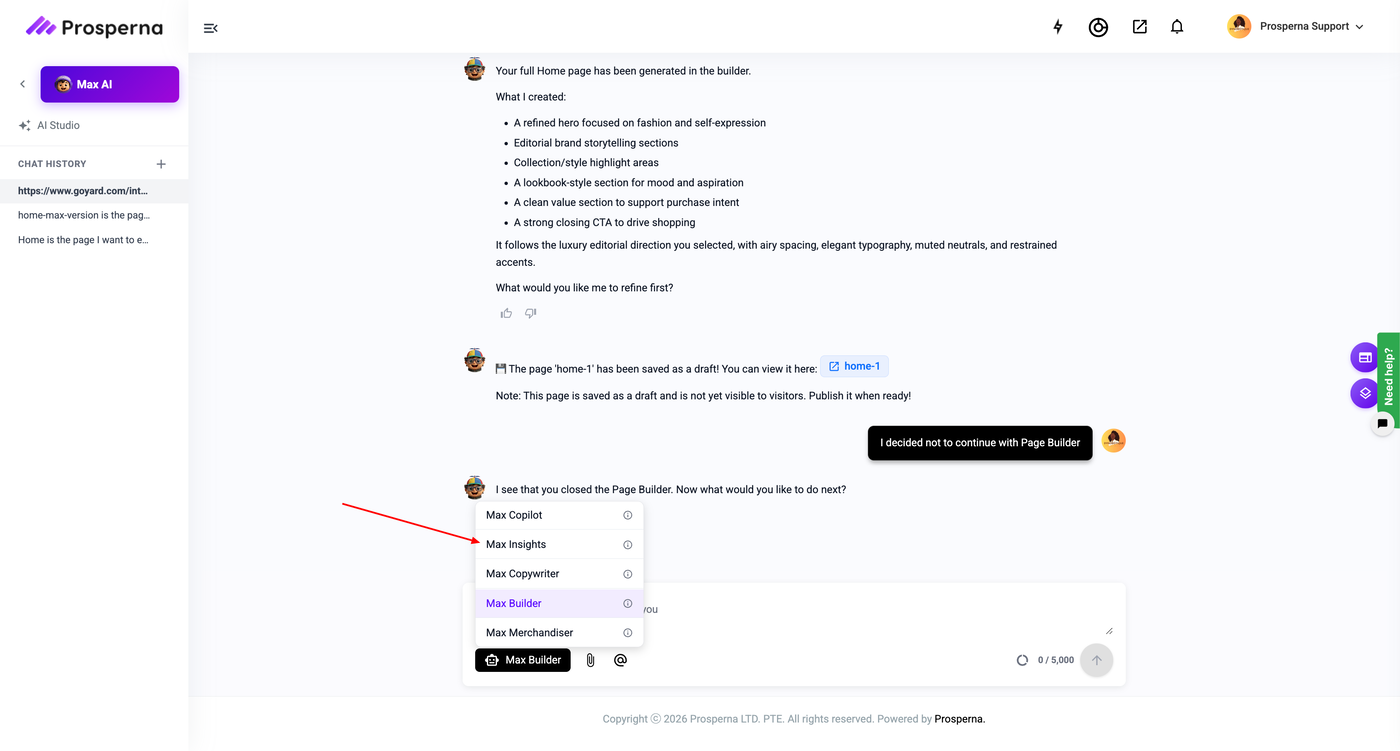
Go to Max AI > Insights
Open Scheduled Alerts
Create a new alert
Select the insight categories
Set the delivery schedule
Save the alert
Steps to Create a Scheduled Alert
From your Prosperna Dashboard, go to Max AI > Insights.
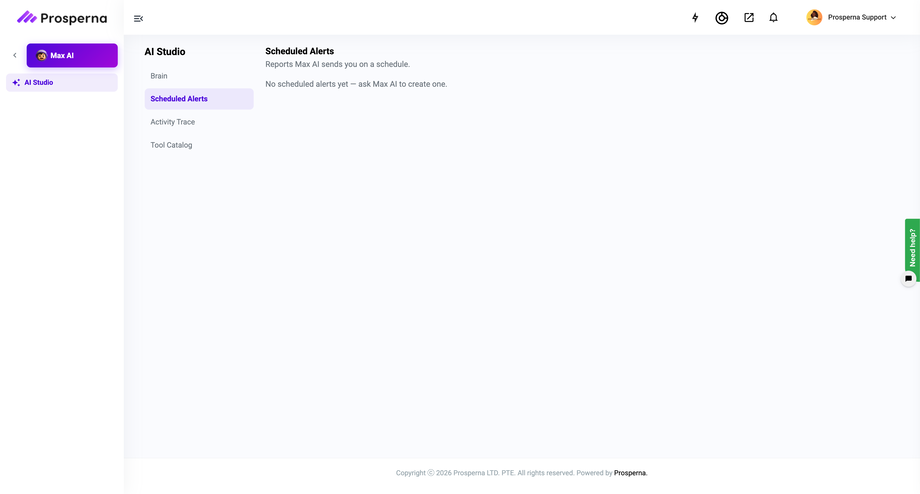
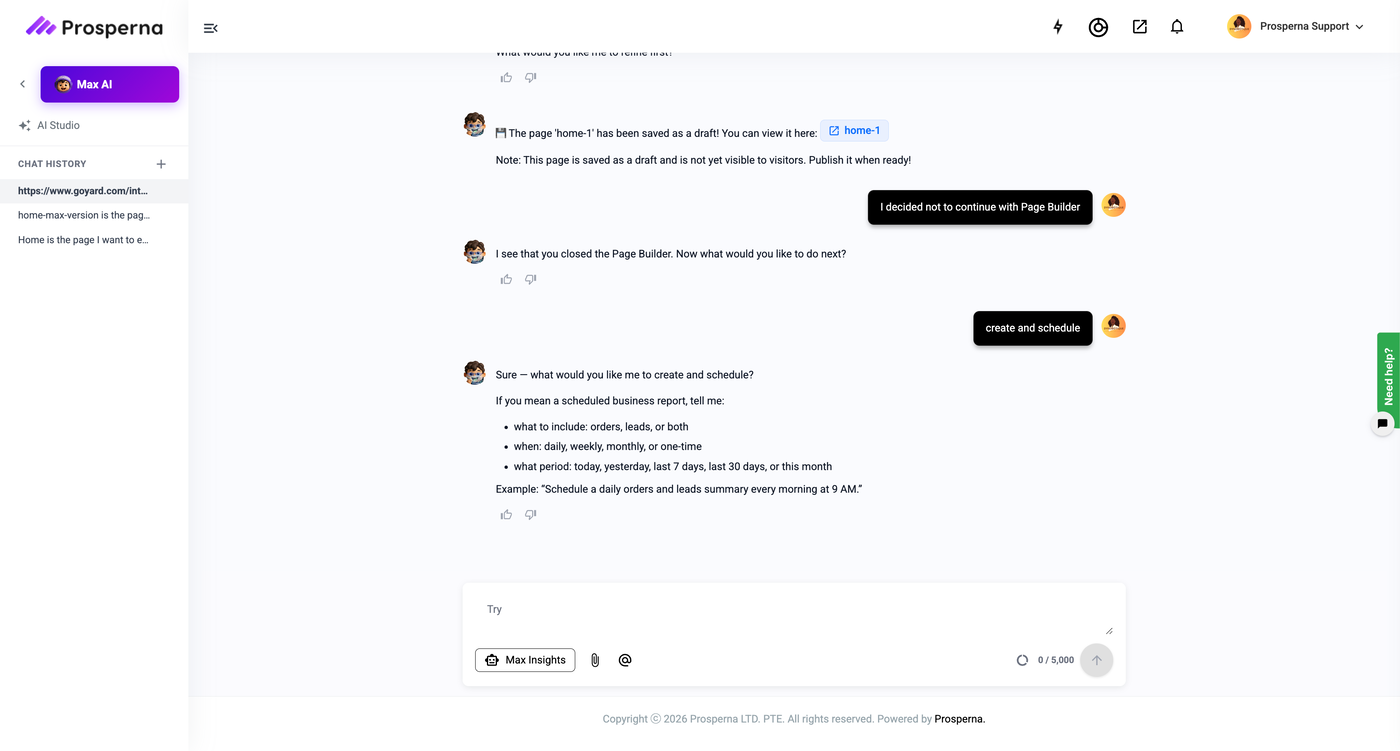
Open the Scheduled Alerts section.
Click Create Scheduled Alert.
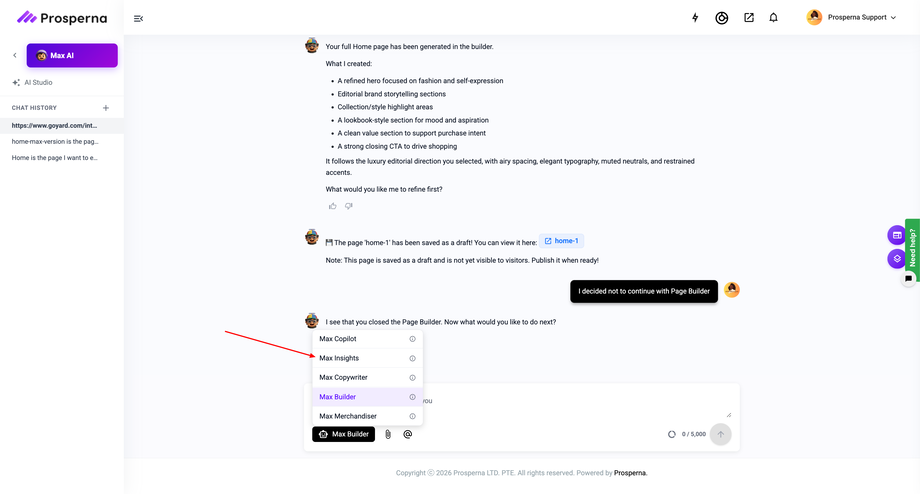
Enter a name for your scheduled alert.
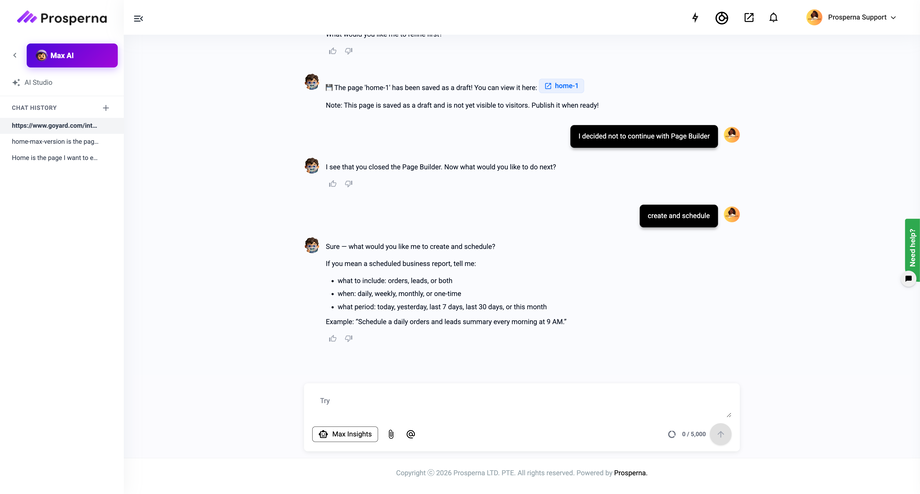
Select the insight category or categories you want Max AI to monitor.
Choose how often you want to receive the alert (for example, Daily, Weekly, or Monthly).
Review your settings, then click Save.
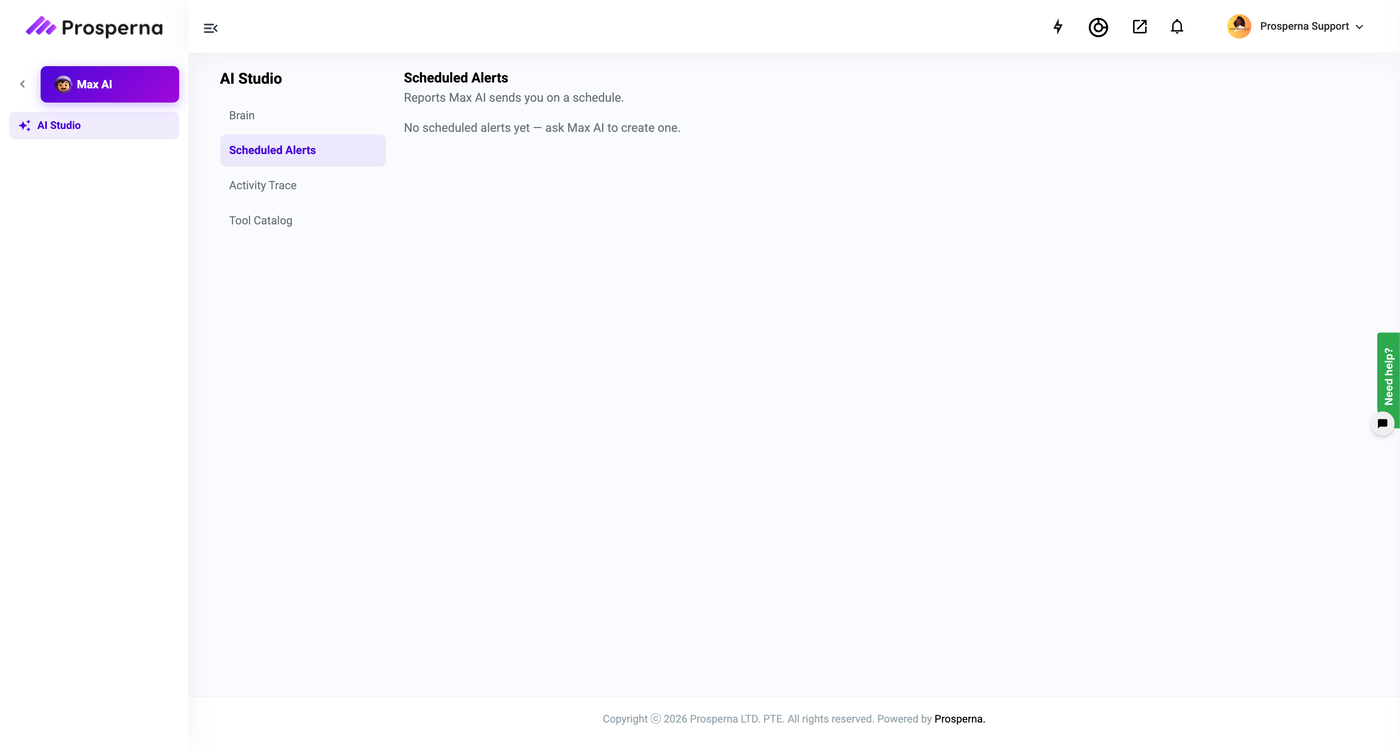
Result
Max AI will automatically send scheduled insight notifications based on your selected categories and delivery frequency, helping you stay updated on your business performance without manually checking your dashboard.
Need more help?
For more information and assistance, please send an email to support@prosperna.com.