

Your Author Profile determines the default author name used when creating blog posts in your Prosperna account. This helps standardize how authorship is displayed across your published content.
Why Is It Important? Updating your Author Profile ensures your blog content displays the correct author information and maintains consistency across your published articles. Changes made here will apply to newly created blog posts, while existing posts will retain the author name saved at the time they were published.
Skill Level: Beginner | Advanced | Expert
How long does it take to do? 2 Minutes
Requirements:
An active Prosperna account
For Blog Feature: Upgraded Prosperna account
Summary:
Steps How to Update My Author Profile from My Account
Log in to your Prosperna account.
Click your profile icon on the upper-right corner of the dashboard.
Select My Account from the dropdown menu.
Go to the My Author Profile tab.
Click the edit (pencil) icon to update your author name, profile image, or bio.
Click Save to apply your changes.
Accessing My Author Profile from Blog
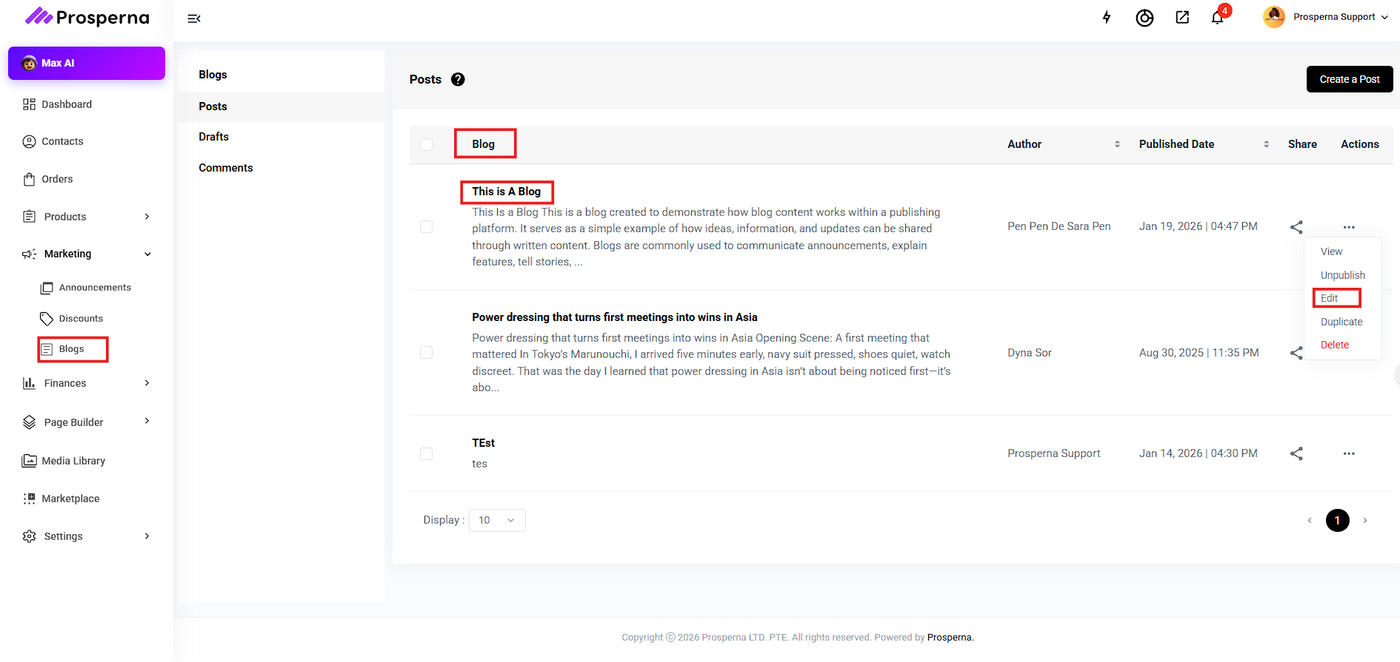
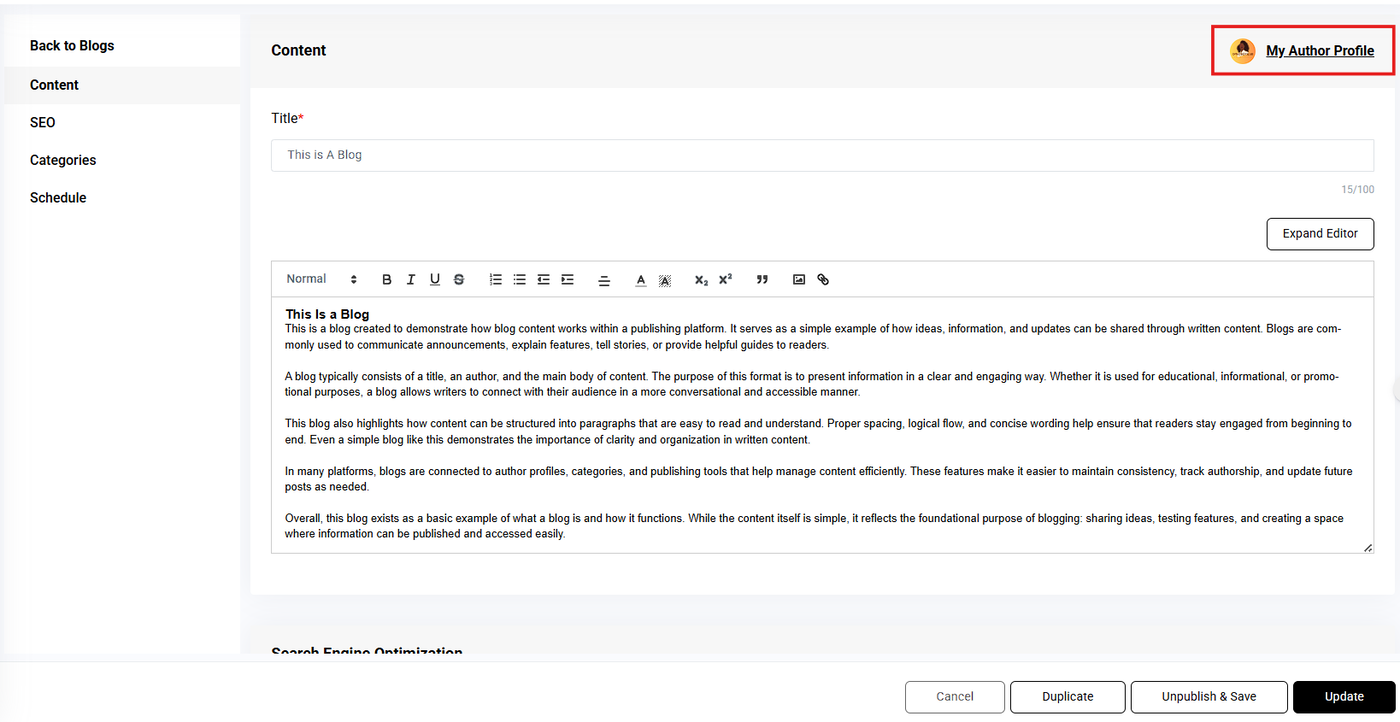
Go to Blogs and open a new or existing blog post.
In Posts, click the blog title or click Edit under Actions.
Select My Author Profile.
You will be redirected to My Account → My Author Profile, where you can update your details and save your changes.
Steps How to Update My Author Profile from My Account
Log in to your Prosperna account.
Click your profile icon on the upper-right corner of the dashboard.
Select My Account from the dropdown menu.
Go to the My Author Profile tab.
Click the edit (pencil) icon to update your author name, profile image, or bio.
Click Save to apply your changes.
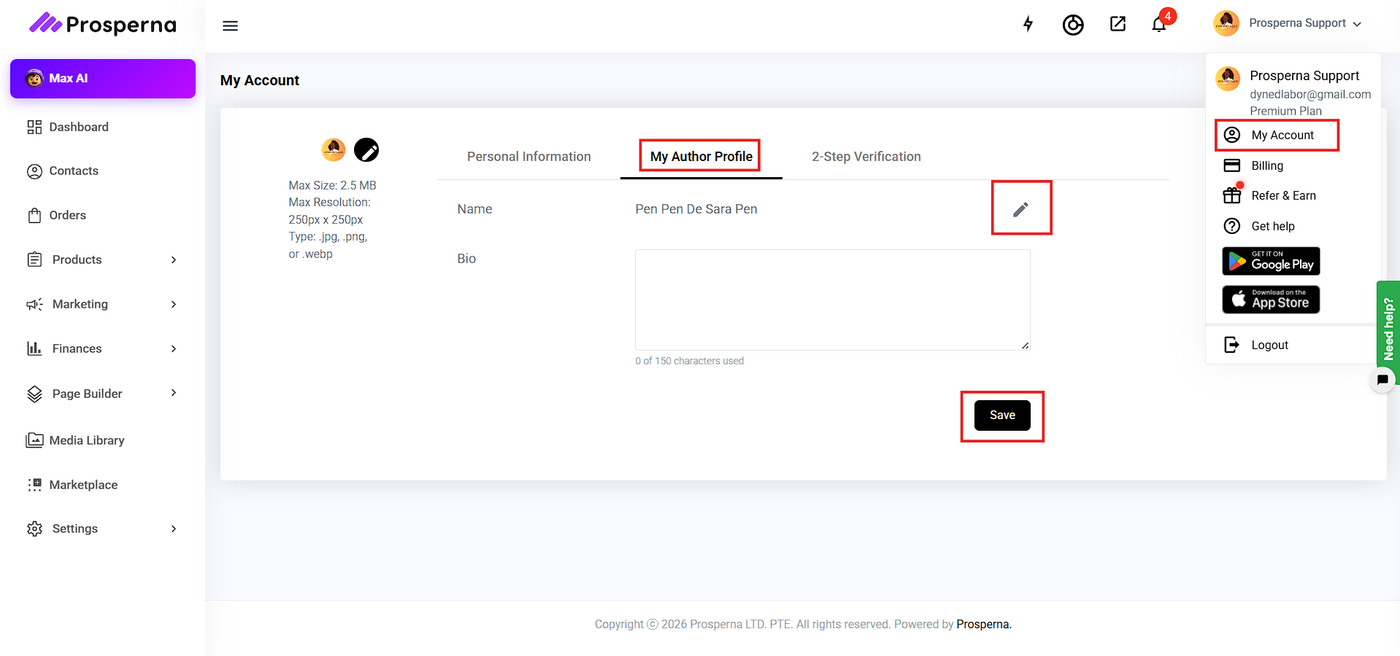
Accessing My Author Profile from Blog
Go to Blogs and open a new or existing blog post.
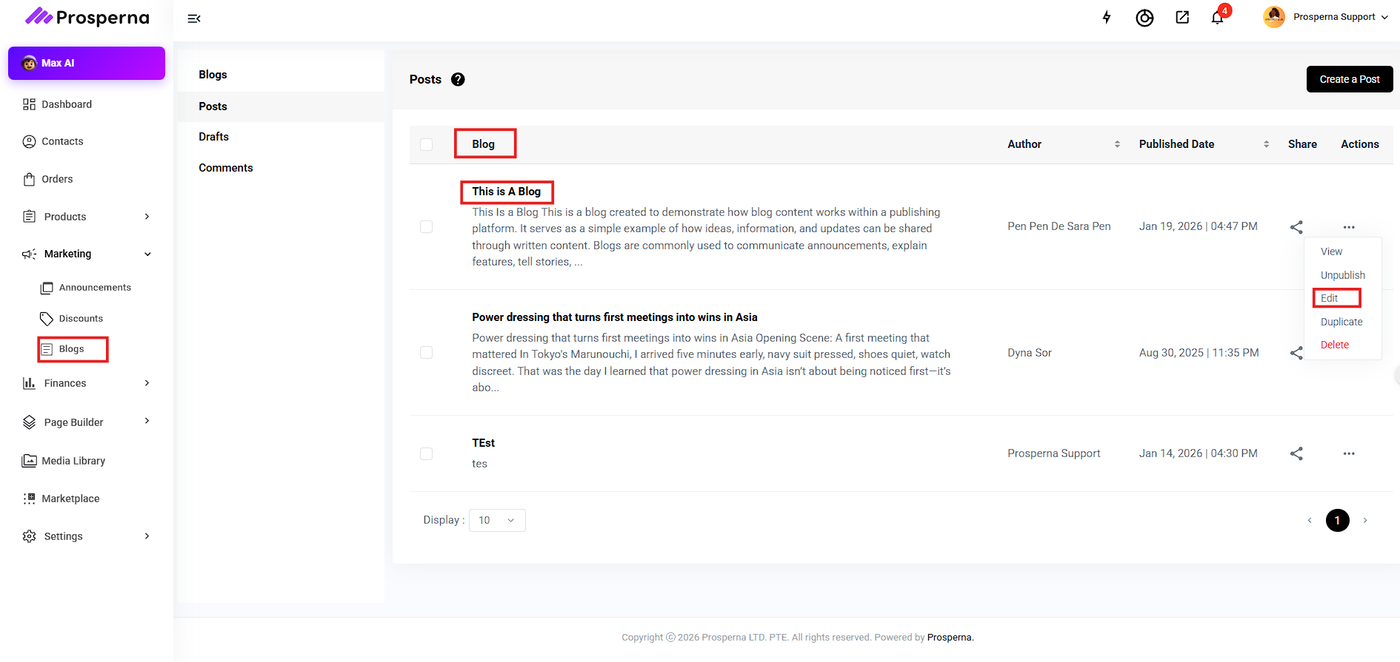
In Posts, click the blog title or click Edit under Actions.
3. Select My Author Profile.
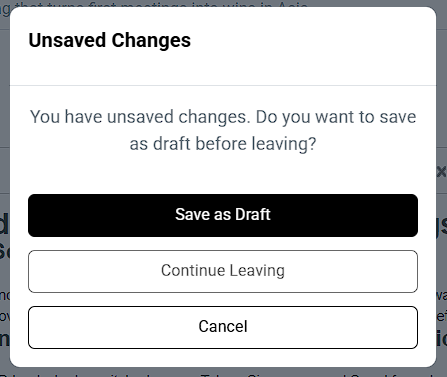
Note: If the blog post has unsaved or unfinished content, a confirmation prompt will appear.
4. You will be redirected to My Account → My Author Profile, where you can update your details and save your changes.
Important Notes:
Upon account creation, the Author Profile is automatically set using the account holder’s First and Last Name.
When creating a blog post:
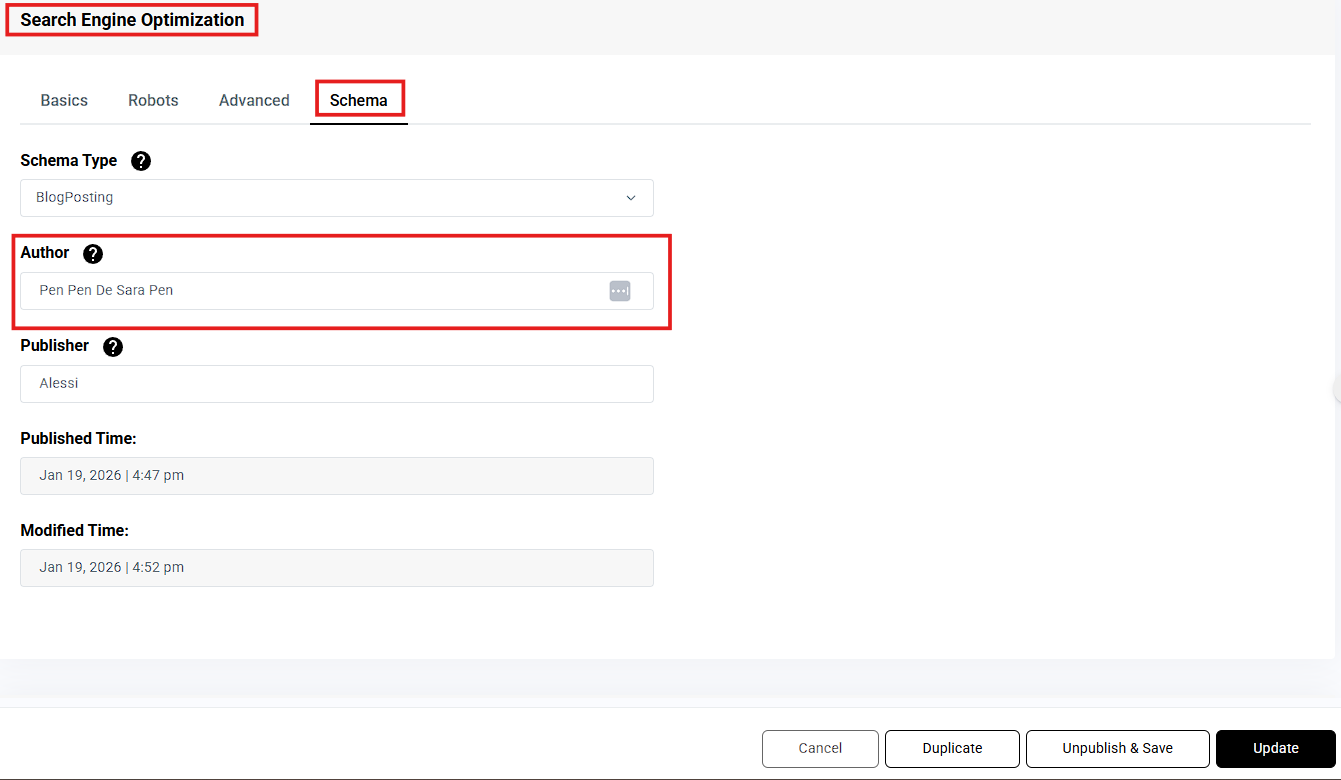
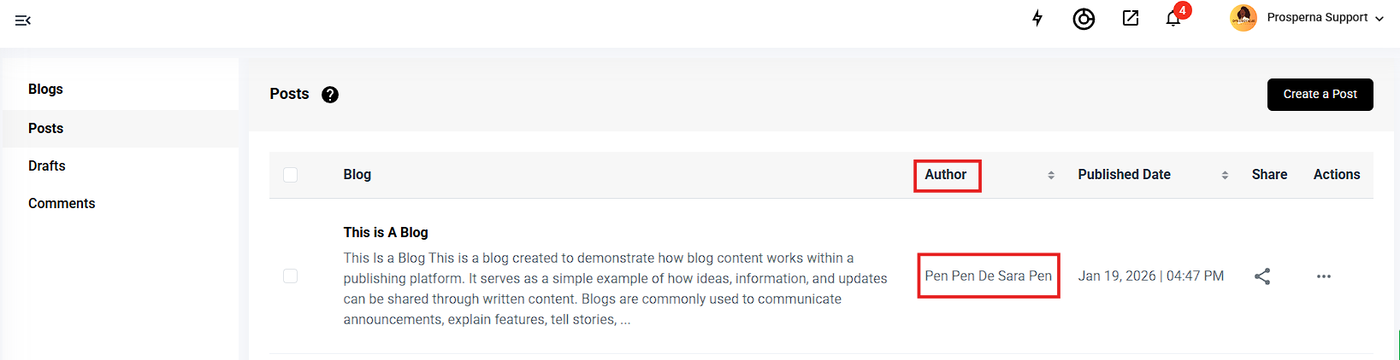
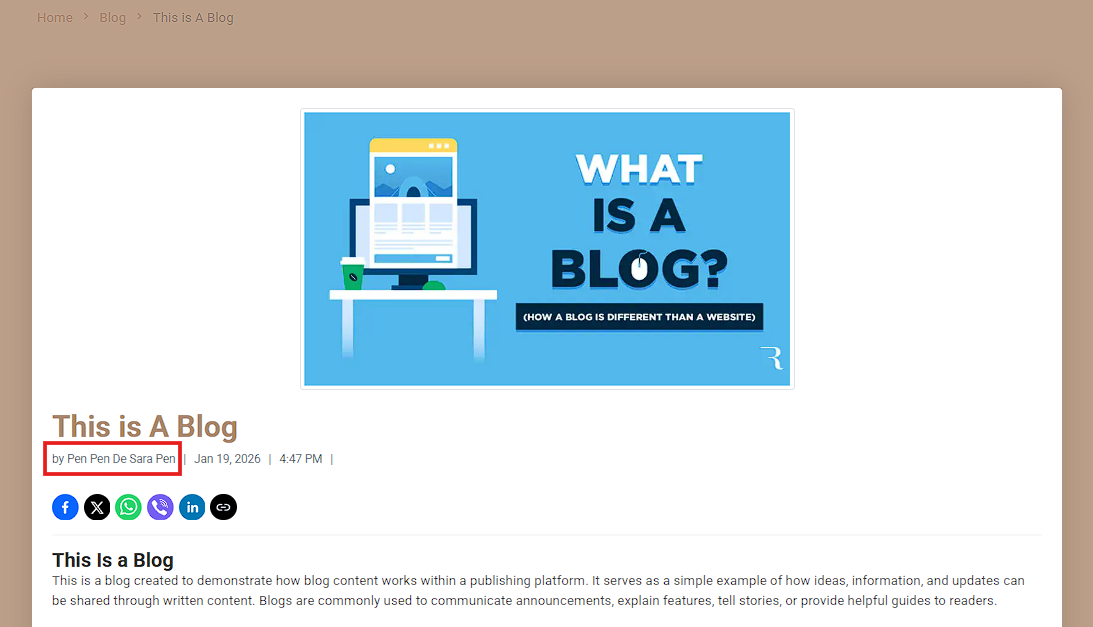
The Blog Author uses the current Author Profile name
The Schema Author may still be overridden at the individual blog post level if needed.
Updating your Author Profile:
Does not affect previously published posts
Applies only to newly created blog posts
The Bio field is currently not used and is reserved for future functionality.