

Feature Availability: ALL PLAN
The Single Page Checkout feature simplifies the checkout process by combining all steps — Contact, Delivery or Pickup, Shipping, Payment, Order Notes, and Order Update Preferences — into a single, scrollable page. No more switching between multiple tabs: customers fill in everything they need in one continuous experience.
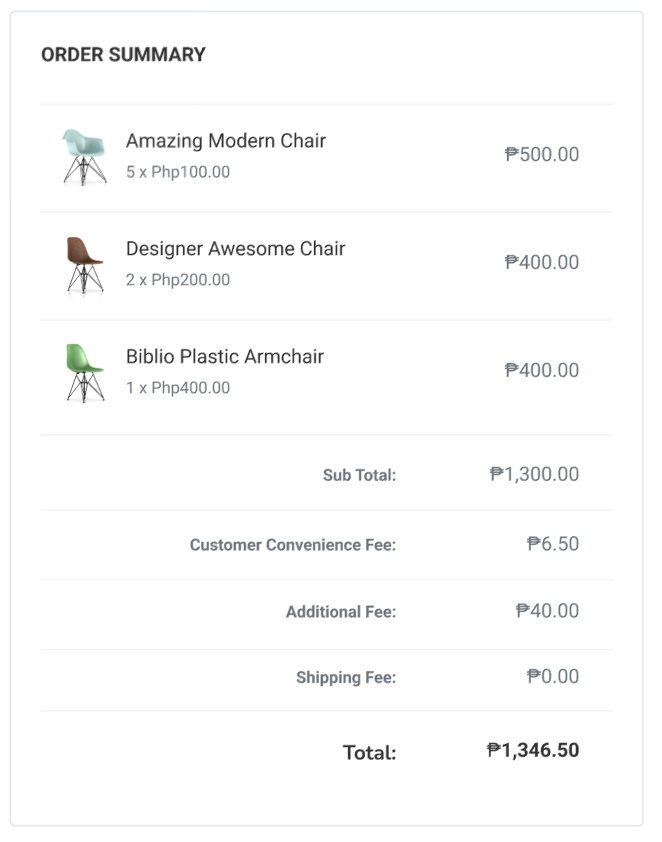
The Order Summary stays fixed on the right, so buyers can always see what’s in their cart and review totals — even while scrolling through the checkout form.
Why is it important?
Speeds up checkout by reducing the number of clicks and page loads
Reduces cart abandonment by minimizing friction
Provides a modern and streamlined user experience, improving conversion rates
Supports all order types: physical products, digital products, store pickup, QR‑menu orders
Fully mobile‑responsive and optimized for desktop, tablet, or mobile
Requirements:
Checkout
Cart Items
Summary:
They see a single form containing all relevant sections (Contact → Delivery/Pickup → Shipping → Payment → Order Notes → Order Updates).
The Order Summary remains fixed on the right for easy order review.
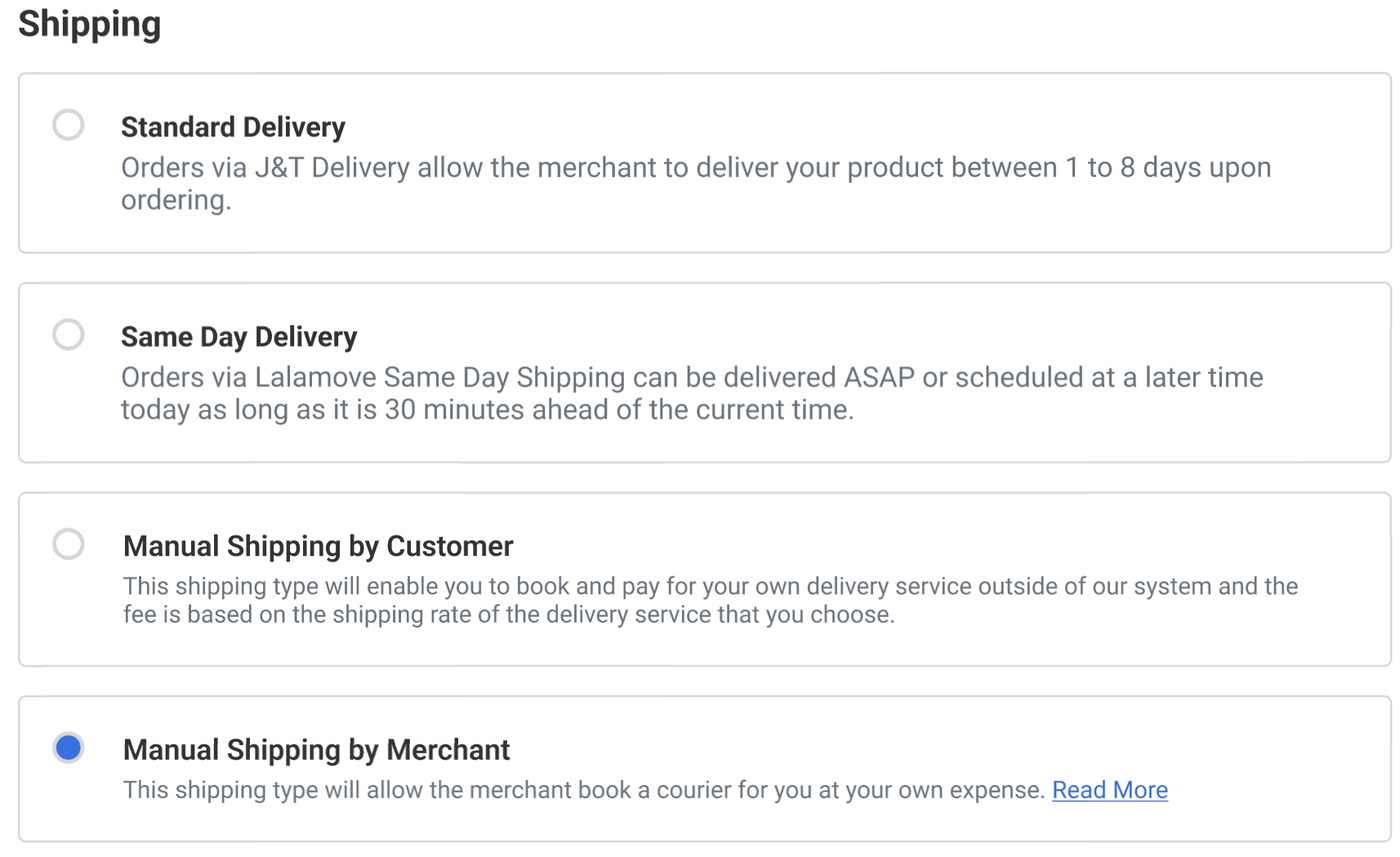
Shipping methods displayed depend on the merchant’s configured shipping rules.
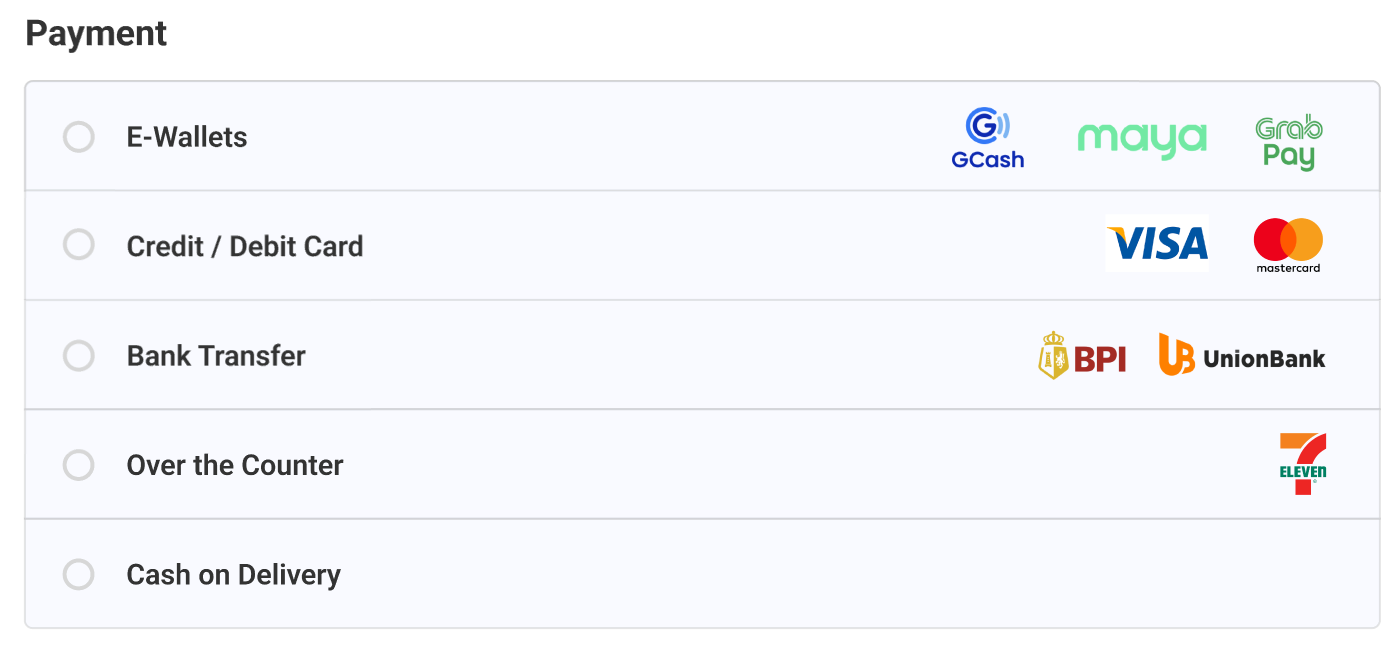
Payment methods only appear after a shipping method is selected.
If the customer is logged in, their contact/shipping info may be auto‑filled (if saved).
Once all required fields are completed and valid, the “Pay Now” (or equivalent) button becomes enabled.
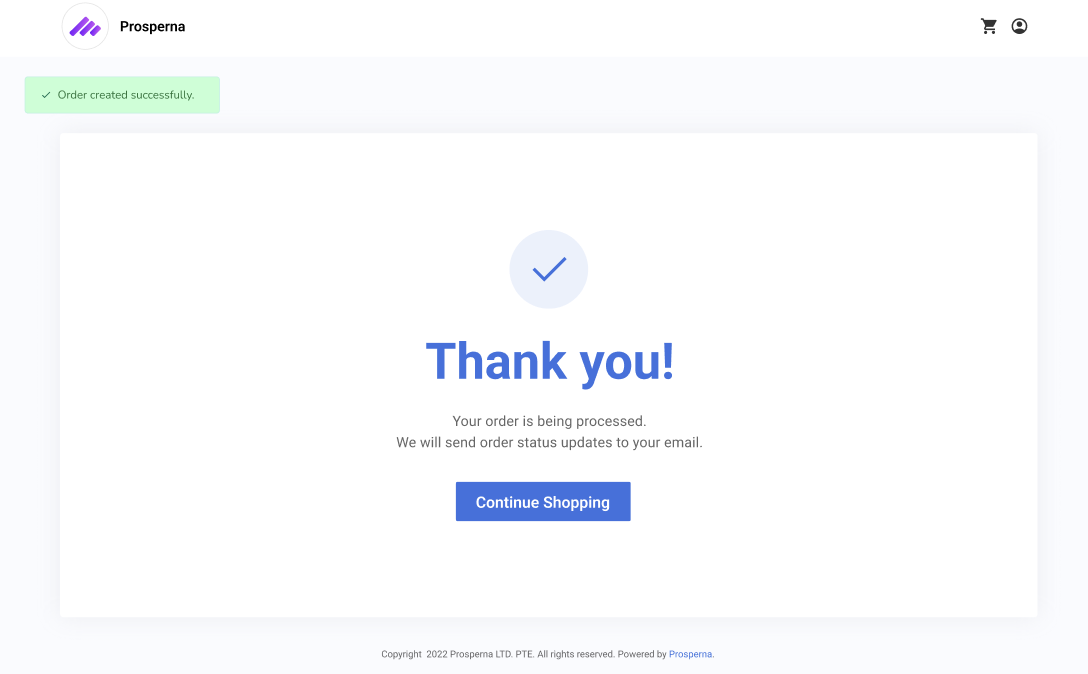
On successful payment, the order is placed and the customer is redirected to a confirmation (“Thank You”) page.
Single Page Checkout
1. They see a single form containing all relevant sections
(Contact → Delivery/Pickup → Shipping → Payment → Order Notes → Order Updates).
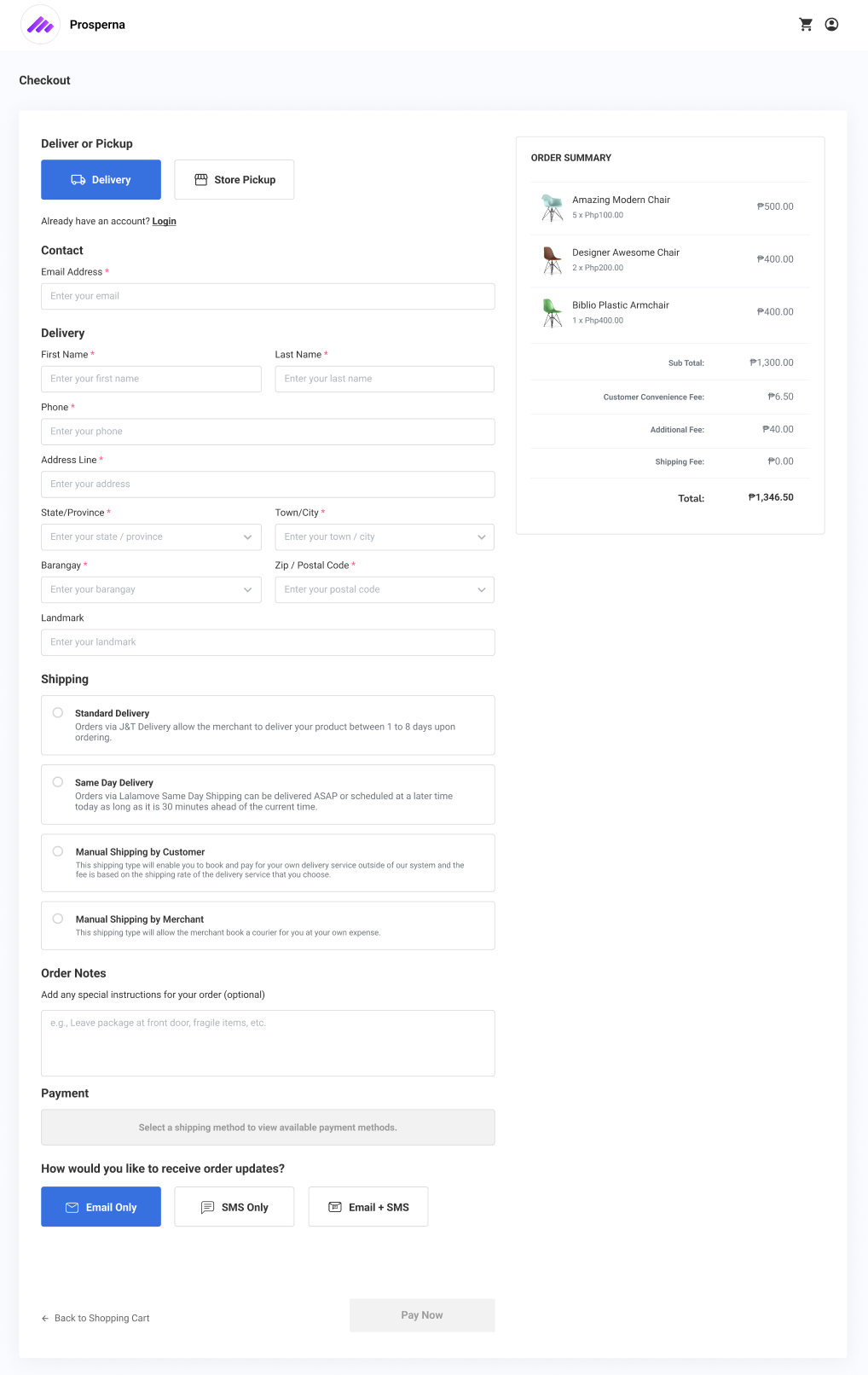
2. The Order Summary remains fixed on the right for easy order review.
3. Shipping methods displayed depend on the merchant’s configured shipping rules.
4. Payment methods only appear after a shipping method is selected.
5. If the customer is logged in, their contact/shipping info may be auto‑filled (if saved).
6. Once all required fields are completed and valid, the “Pay Now” (or equivalent) button becomes enabled.
7. On successful payment, the order is placed and the customer is redirected to a confirmation (“Thank You”) page.
What Doesn’t Change
Existing payment gateway logic remains — only the UI (layout) changes.
Shipping rate calculations, tax calculations, and inventory deduction logic stay the same.
Discount, promotion, or coupon flows remain unchanged.
Cart page and upstream ordering logic remain out of scope.
🔧 Requirements & Behavior
Page must load quickly (e.g. under 3 seconds on standard connection)
Works smoothly on desktop and mobile devices
Maintains accessibility standards (e.g. form validation, error handling)
Dynamically shows/hides form fields depending on order type (digital vs. physical, pickup vs. delivery)
Validates required fields before enabling payment
💡 For Merchants: What You Need to Know
SPC works out of the box — no additional configuration needed for most stores
Shipping & payment methods shown depend on your current store settings (shipping settings, payment gateways enabled, etc.)
For store pickup or QR‑menu orders: the checkout adapts accordingly — unnecessary fields (e.g. address) are hidden
Need more help?
For more information and assistance, please send an email to support@prosperna.com.