

This guide will show you how to cancel your current Prosperna subscription plan in just a few clicks. Whether you're downgrading, switching plans, or taking a break, this process ensures you’re no longer billed for your current subscription.
Why Is It Important? Canceling your plan ensures that you stop being charged for a service you no longer need. It also helps keep your billing records clean and prevents automatic renewals. You remain in control of your account and expenses at all times.
Skill Level: Beginner | Advanced | Expert
How long does it take to do? 2 Minutes
Summary:
On the top right side of your page, click on your profile icon.
Click "Billing".
Go to "My Plan".
Click three dots besides 'Change Plan' and click 'Cancel Plan'.
Click “Confirm” on the warning message.
Click “Continue and Cancel” on the next message about plan loss.
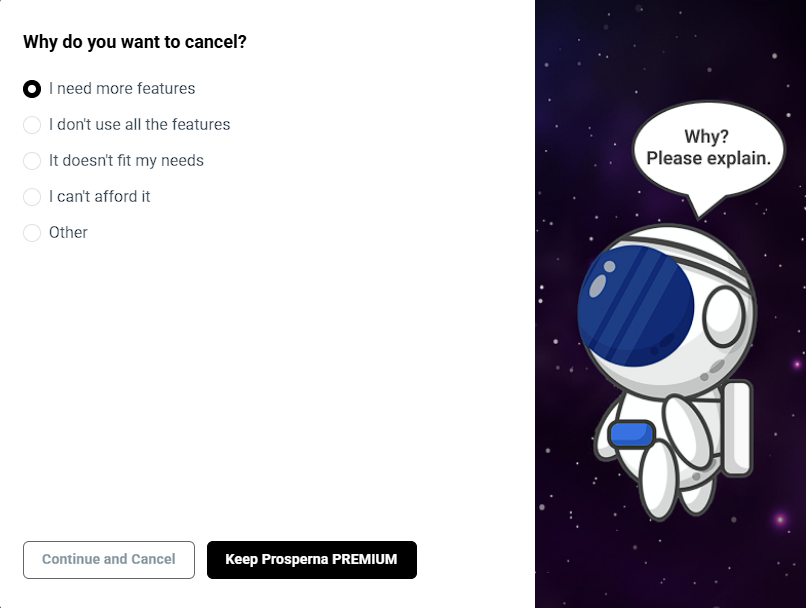
Select the reason for canceling. Then click 'Continue and Cancel' to proceed.
Steps How to Cancel Plan
1. On the top right side of your page, click on your profile icon.

2. Click "Billing".

3. Go to My Plan.

4. Click three dots besides 'Change Plan' and click 'Cancel Plan'.

Change Plan
You can select your reason for changing the Plan.
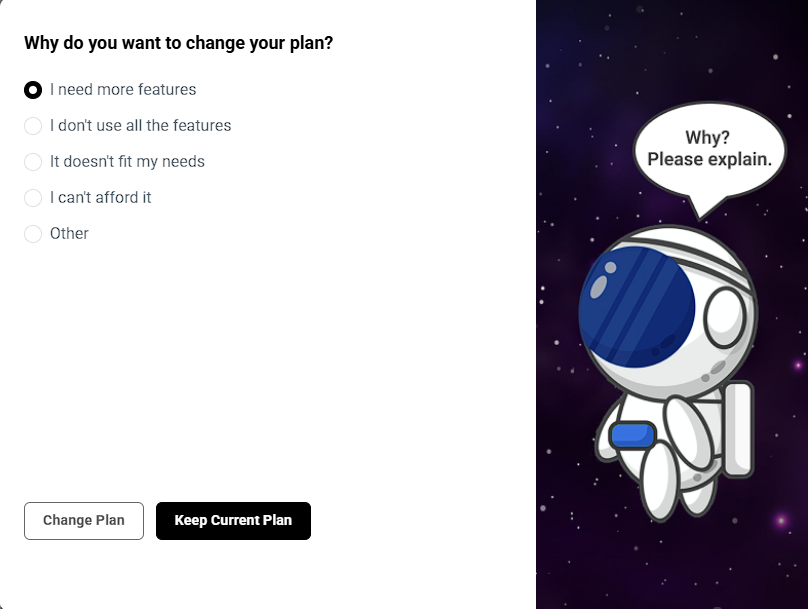
Click the ‘Switch to this Plan’ button for your preferred plan.
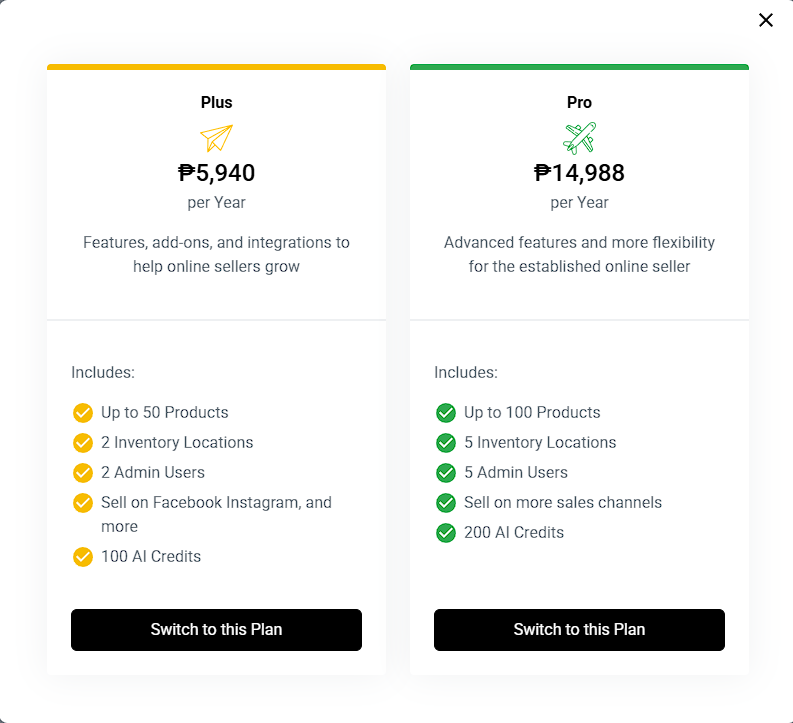
5. Click “Confirm” on the warning message.
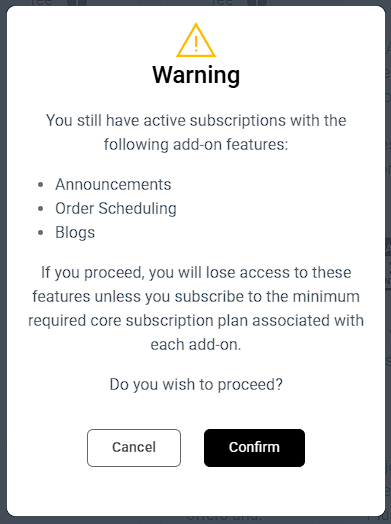
6. Another message will pop up showing what you will lose when you cancel the plan. Click 'Continue and Cancel' to proceed.
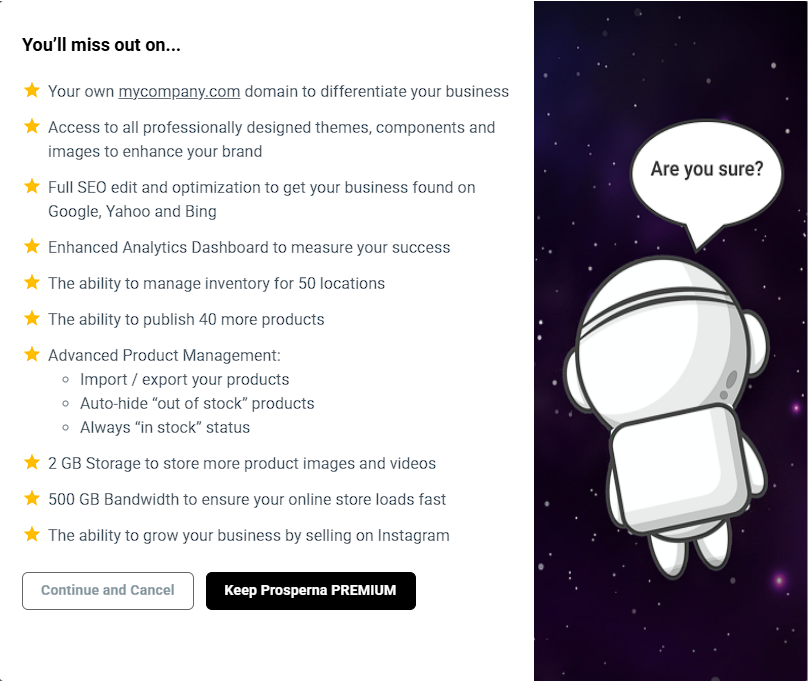
7. Select the reason for canceling. Then click 'Continue and Cancel' to proceed.
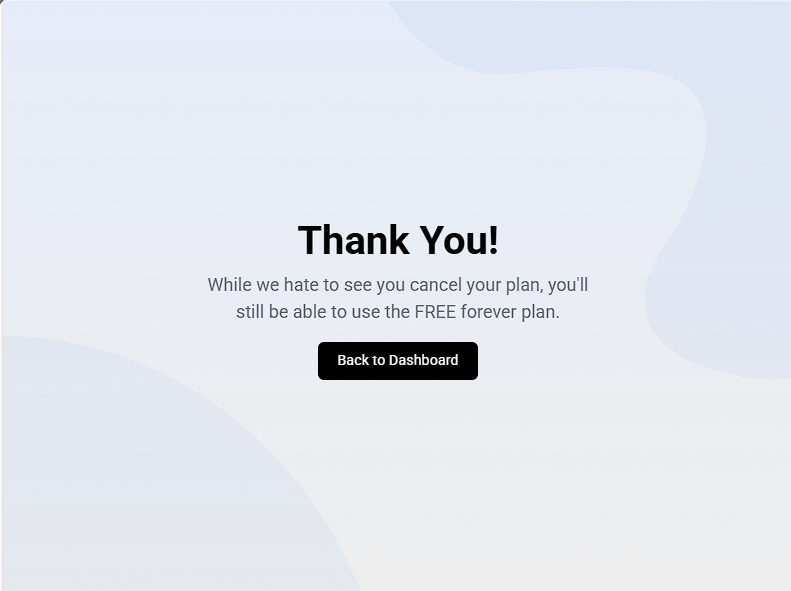
Result: You have successfully cancelled the plan.
Need more help?
For more information and assistance, please send an email to support@prosperna.com.